How to Complete New Jersey Benchmarking in 2026 - Portfolio Manager, Utility Data, BEAM, and Data Quality
Quick Answer:
To complete New Jersey benchmarking for 2026, owners should confirm coverage, set up or update ENERGY STAR Portfolio Manager, add the correct UBID, obtain whole-building energy and water data for calendar year 2025, share the property with NJ BPU, check BEAM compliance progress, and correct data quality issues before July 1, 2026.

The New Jersey benchmarking process is straightforward when each step is handled in the right order. It becomes difficult when owners wait too long, utility data is incomplete, Portfolio Manager profiles are inaccurate, or BEAM flags errors late in the reporting season.
At The Cotocon Group, our goal is to help owners turn this process into a clear, organized workflow. The filing is important, but so is the quality of the data behind it. A clean benchmarking record helps protect compliance status and gives ownership better visibility into how the building is actually performing.
Identify Whether the Property Is Covered
The first step is confirming whether the building is required to report. New Jersey covered commercial buildings over 25,000 square feet must report annual energy and water usage. For the 2026 reporting season, that report covers calendar year 2025 and is due by July 1, 2026.
Owners should review the BEAM-hosted Covered Building List and compare the property record to their own ownership and management information. If the property is listed and the contact information is outdated, that should be corrected early. If the building appears to meet the size or property-type criteria but is not listed, the situation should still be reviewed instead of ignored.
Set Up ENERGY STAR Portfolio Manager Correctly
ENERGY STAR Portfolio Manager is the main platform used to organize and report energy and water benchmarking data. The 2026 program guidance identifies three important setup actions: create an account and property profile, add the UBID or UBIDs to the property profile, and share data with NJ BPU.
Owners who already have a Portfolio Manager account should still review the property profile before filing. Property type, gross floor area, occupancy details, meter information, and building identifiers should be accurate. Incorrect setup can cause reporting issues even when utility data is complete.
Add the Correct UBID
The Unique Building Identifier, or UBID, is one of the details that connects the property record to New Jersey benchmarking compliance. If the UBID is missing or incorrect, the property may not be properly recognized in the compliance process.
This step is especially important for portfolios, campuses, mixed-use buildings, properties with multiple structures, and buildings that have changed ownership or management. The Cotocon Group recommends confirming the UBID before utility data is transferred or entered.
Obtain Whole-Building Utility Data
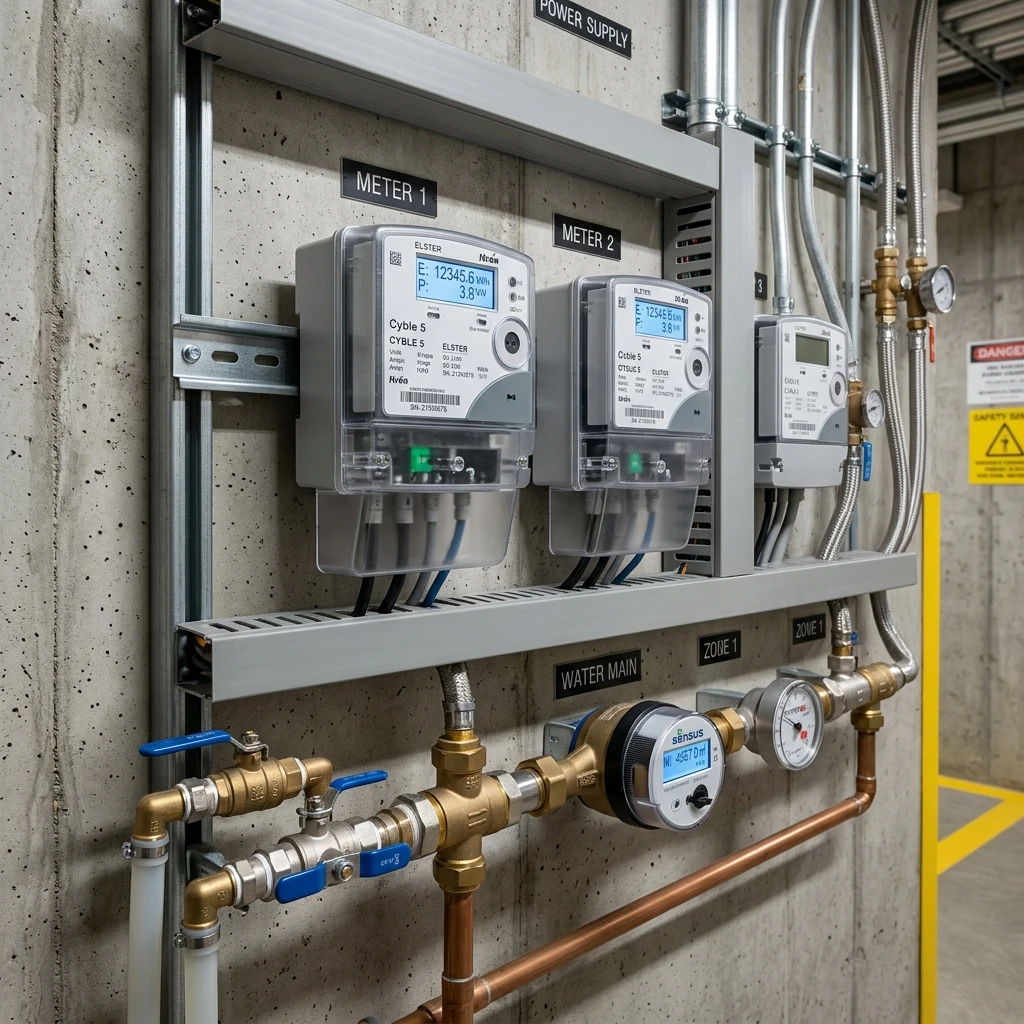
For the 2026 reporting season, owners need energy and water data from January 1, 2025 through December 31, 2025. Depending on the building, this may include electric, gas, water, and any other applicable energy sources. The NJ BPU reporting materials explain that regulated and semi-regulated utilities provide data for reporting years. Some utilities provide aggregated whole-building data through portals, while others may provide spreadsheets.
Electric & Gas Utilities
- PSE&G
- Atlantic City Electric
- Orange & Rockland
- Jersey Central Power & Light
- New Jersey Natural Gas
- South Jersey Gas
- Elizabethtown Gas
Regulated Water Utilities
- Aqua New Jersey
- SUEZ Water New Jersey
- New Jersey American Water Co.
- Middlesex Water Company
The specific process can vary by utility. For example, the 2026 webinar references a PSE&G process involving the NJ Energy and Water Benchmarking Program webpage, the MySmartEnergy Portal Benchmarking Portal User Guide, portal account setup, ESPM connection, and data transfer.
Review the Data Before Submission
Collecting utility data is not the same as completing a compliant benchmarking submission. Owners should review whether the data covers the full reporting year, whether all meters are included, whether any usage appears unusually high or low, and whether water data is included where required.
This review helps prevent avoidable issues such as missing 12 months of meter data, duplicate meters, overlapping meter dates, wrong property profiles, missing water usage, or utility data assigned to the wrong Portfolio Manager property.
Share the Property With NJ BPU
After the Portfolio Manager profile is set up and the data is complete, the property data must be shared with NJ BPU according to the benchmarking reporting process. This step is critical. Owners sometimes believe they are finished once data is entered into Portfolio Manager, but a report may not be recognized unless it is shared correctly.
The Cotocon Group recommends confirming that the property is not only populated with data, but also properly shared for compliance review.
Use BEAM to Track Progress
The BEAM Building Owner Portal is a valuable tool for checking benchmarking progress. The 2026 webinar notes that owners and representatives are not required to use BEAM to manage data, but the program recommends it because it helps owners understand building performance, view data used to assess compliance, identify flags and warnings early, and track progress during the season.
From an owner’s perspective, this is one of the most useful parts of the process. BEAM can help confirm whether the filing is moving in the right direction or whether additional corrections are needed.
Watch for Compliance Status Messages
The 2026 program materials explain that building-level compliance emails may be sent regularly to property contacts until July 1. These messages can indicate whether a property appears in compliance or whether the report has errors. Owners should review these messages carefully, but they should also verify that any communication is official. Third-party solicitations can create confusion.
Correct Data Quality Issues
Data quality issues are one of the most common reasons benchmarking filings become stressful. The 2026 webinar identifies three ways to find outstanding issues: run the ENERGY STAR Portfolio Manager Data Quality Checker, review the Labels column in the BEAM Building Owner Portal, and review feedback in non-compliance emails.
After updates are made, owners should allow at least 24 hours before checking compliance progress again. This waiting period matters because the system may not reflect corrections immediately.
Common Data-Quality Issues We Look For:
- Missing or incomplete 12-month utility data.
- Incorrect reporting year or meter date ranges.
- Wrong property type or gross floor area.
- Missing water data where applicable.
- Incorrect or missing UBID.
- Portfolio Manager property not shared correctly.
- Duplicate property profiles or duplicate meters.
- Utility data connected to the wrong building profile.
- Unusually high or low usage that should be reviewed before filing.
Why Owners Should Not Wait Until the Final Weeks
Benchmarking can involve ownership, property management, building operations, utility companies, tenants, Portfolio Manager, BEAM, and outside professionals. That is a lot of coordination for a deadline-driven filing. Starting early gives owners time to correct contact information, request utility data, resolve portal access issues, address missing meters, review data flags, and confirm compliance before July 1. Waiting until late June can turn a manageable filing into an urgent problem.

The Cotocon Group Reporting Roadmap
For New Jersey building owners, The Cotocon Group follows a practical reporting roadmap:
-
1
Covered-building review
Confirm whether the building appears to be subject to the requirement.
-
2
Property record review
Check address, square footage, property type, and UBID details.
-
3
Utility coordination
Identify the correct utility process and collect full-year data.
-
4
Portfolio Manager setup
Create or clean up the property profile and meter records.
-
5
NJ BPU sharing
Confirm that the property is shared correctly for review.
-
6
BEAM progress check
Review labels, warnings, and compliance status.
-
7
Data quality correction
Resolve missing data, flags, and reporting inconsistencies.
-
8
Final confirmation
Verify that the filing is recognized and the building record is cleaner.
How This Helps Ownership Beyond the Deadline
A well-prepared benchmarking report gives owners more than compliance. It creates a baseline for building performance. With accurate annual data, owners can compare year-over-year usage, identify efficiency opportunities, support budgeting, and determine whether operational improvements may reduce future costs. For portfolios, benchmarking can also help rank buildings by performance and prioritize where to investigate first. A building with unusual usage may need a deeper look at controls, mechanical systems, tenant operations, schedules, water systems, or meter configuration.
Work With The Cotocon Group
If your New Jersey building is required to benchmark, or if you are unsure where to start, The Cotocon Group can help create a clear compliance path. Our team can review covered-building status, organize utility data, set up Portfolio Manager, check BEAM progress, correct data issues, and prepare the submission workflow.
Need a New Jersey benchmarking filing roadmap? Contact The Cotocon Group at info@thecotocongroup.com and let our team help you move from confusion to compliance before July 1, 2026.
Need help before July 1?
Start with a coverage and data-readiness review, then move directly into filing support.
Request a Review